






Configure: CSH2-CAm1,4
Choose what goes with the sensor. Required items are pre-selected; the list is checked before it goes to your quote.
Product categories
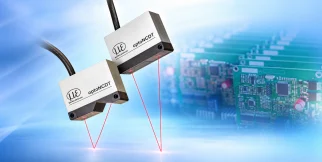 Laser triangulation
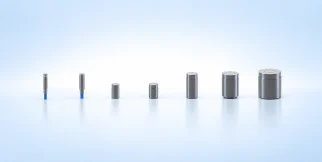 Capacitive
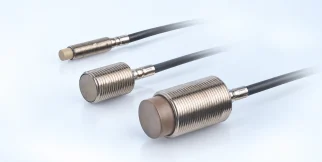 Inductive (eddy current)
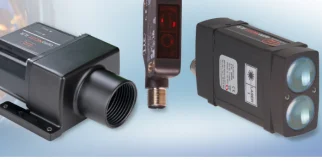 Laser time-of-flight (TOF)
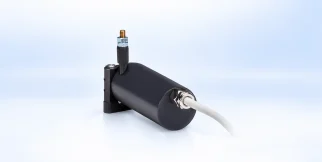 Draw-wire sensors
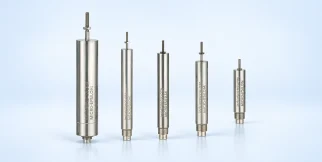 LVDT
LVDT
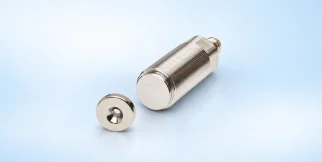 Magnetic
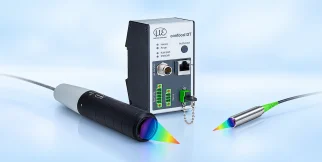 Confocal chromatic
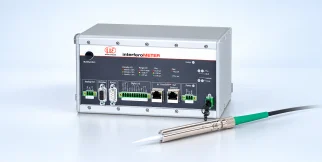 Interferometers
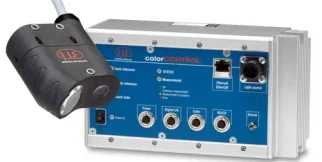 Colour & gloss measurement
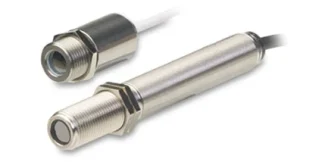 Temperature sensors
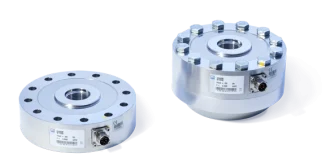 Force
Force
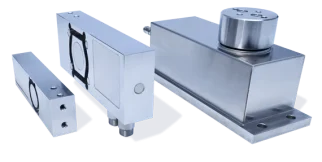 Weight
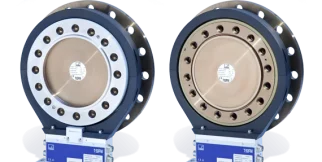 Torque
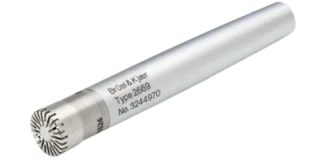 Noise & sound
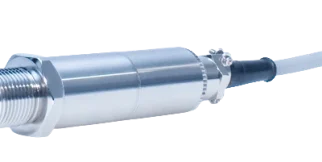 Pressure sensors
 Strain
 Angle
Angle
 Light intensity & surface quality
 3D sensors
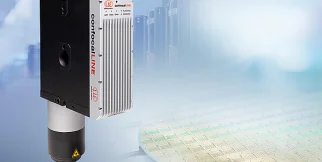 Confocal line scanners
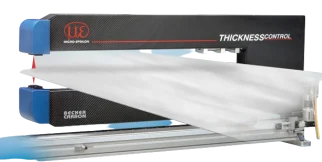 Thickness measurement
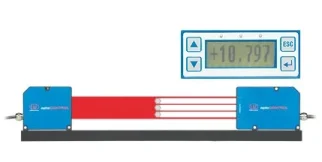 Optical micrometers
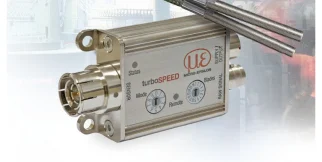 Rotational speed
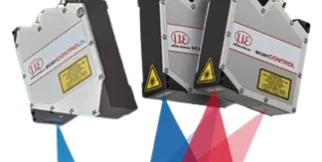 Laser scanners (2D/3D profile sensors)
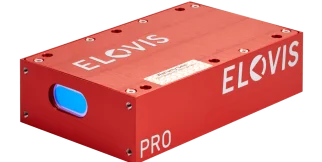 Length measurement
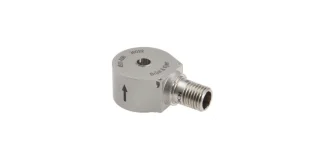 Vibration and acceleration sensors
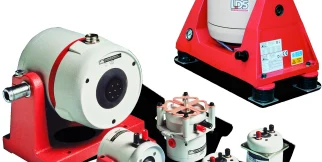 Shakers (vibration exciters)
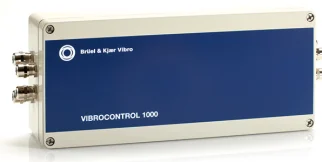 Vibration controllers
 Vibration calibrators
 Software
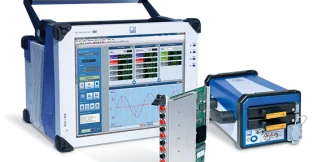 Data acquisition
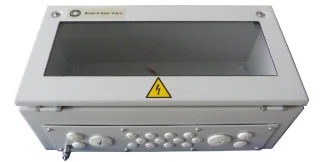 Accessories
 Micro-Epsilon
Sensors and measuring systems from Germany
Micro-Epsilon
Sensors and measuring systems from Germany
 Schenck RoTec
Balancing machines and diagnostic systems
Schenck RoTec
Balancing machines and diagnostic systems
 Qlar
Qlar (formerly Schenck Process) – weighing, feeding and flow measurement for bulk materials
Qlar
Qlar (formerly Schenck Process) – weighing, feeding and flow measurement for bulk materials
 Optocraft
Measuring systems for optics and lasers
Optocraft
Measuring systems for optics and lasers
 Brüel & Kjær Vibro
Vibration monitoring for rotating equipment
Brüel & Kjær Vibro
Vibration monitoring for rotating equipment
 Elovis
Non-contact systems for length and speed measurement
Elovis
Non-contact systems for length and speed measurement
 HBK
Load cells, strain gauges and data acquisition
HBK
Load cells, strain gauges and data acquisition
 HORIBA
Analytical instruments, emissions and flow control
HORIBA
Analytical instruments, emissions and flow control
Solutions
Product categories
Distance & displacement sensors
Laser triangulation
Capacitive
Inductive (eddy current)
Laser time-of-flight (TOF)
Draw-wire sensors
LVDT
Magnetic
Confocal chromatic
Interferometers
Sensors
Colour & gloss measurement
Temperature sensors
Force
Weight
Torque
Noise & sound
Pressure sensors
Strain
Angle
Light intensity & surface quality
Measurement & 3D systems
3D sensors
Confocal line scanners
Thickness measurement
Optical micrometers
Rotational speed
Laser scanners (2D/3D profile sensors)
Length measurement
Process industry machines & systems
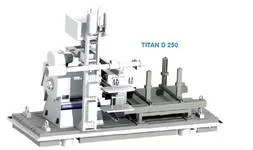
View all products in this categoryBalancing systems
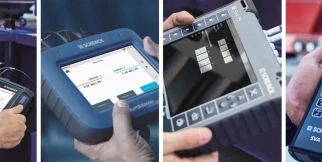
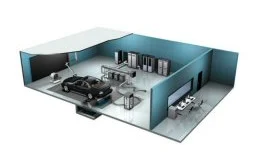
View all products in this categoryAutomotive test systems
View all products in this categoryData acquisition & software
View all products in this categoryVibration
Vibration and acceleration sensors
Shakers (vibration exciters)
Vibration controllers
Vibration calibrators
Software
Data acquisition
Accessories
Noise & sound measurement – electroacoustics
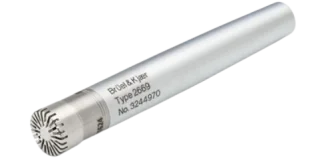 Microphones
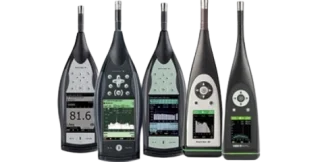 Sound level meters
 Ear & body simulators
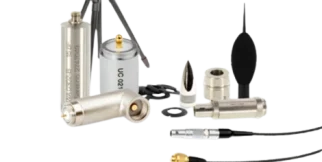 Sound measurement accessories
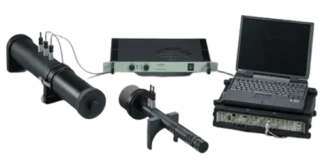 Sound measurement kits
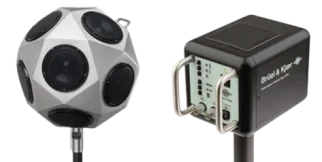 Loudspeakers & amplifiers
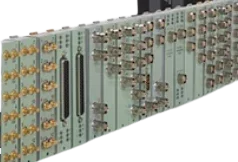 Data acquisition
Industrial electronics
View all products in this categoryMeasurement system components and accessories
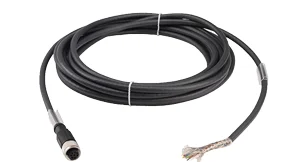 Measurement and connection cables
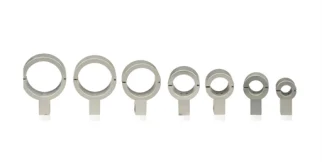 Mounting and mechanical accessories
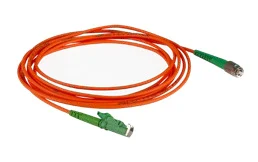 Optical fibers
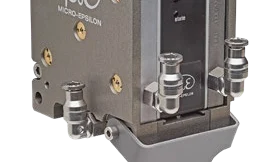 Protective housings and accessories
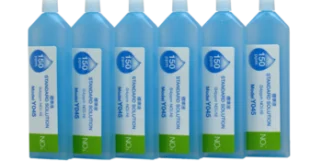 Calibration accessories
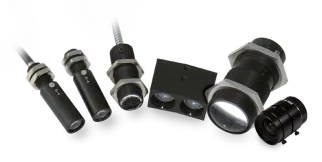 Lenses and optical accessories
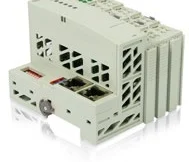 Complementary electronic components
Manufacturers
Solutions
By industry
By measurement
Choose what goes with the sensor. Required items are pre-selected; the list is checked before it goes to your quote.